Custom Software vs Off-the-Shelf: How to Choose the Right Option for Your Business
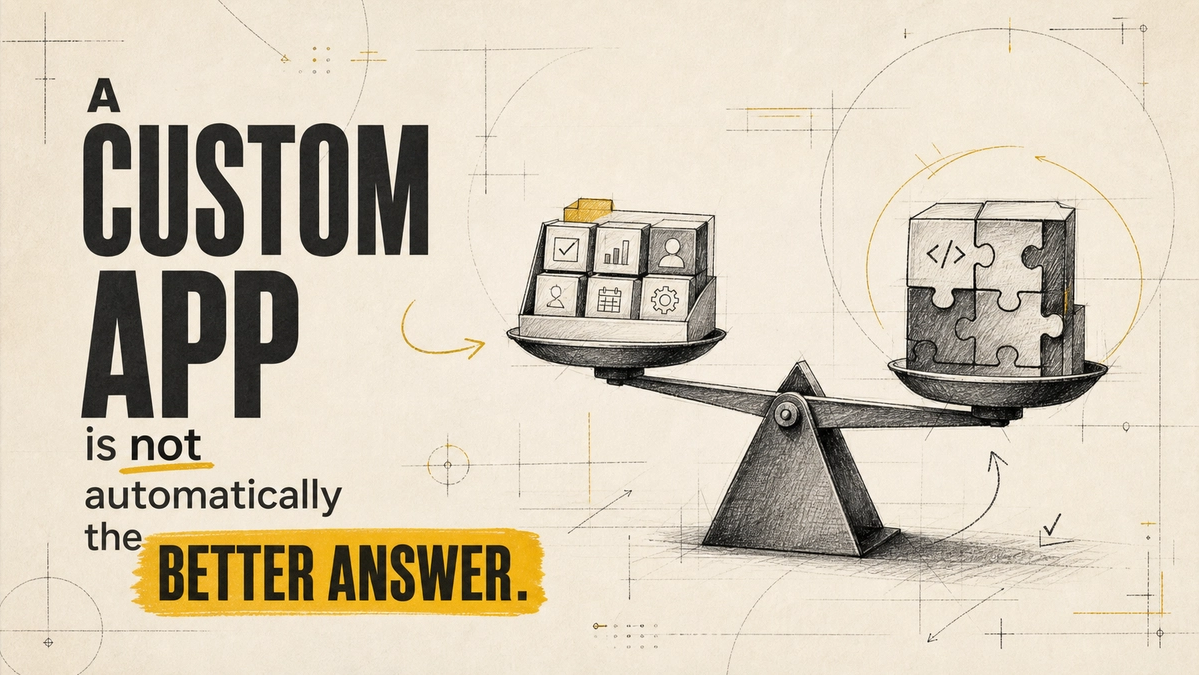
Choose off-the-shelf software when your process is standard, speed matters, and the tool covers most of what you need out of the box. Choose custom software when the process itself is what makes your business different, when you keep building workarounds, or when integrations and licence costs are outgrowing what you'd pay to build. For many growing businesses, the best answer is a mix: a proven off-the-shelf core with custom pieces where it counts.
The mistake is treating this as a one-time ideology choice. It's a decision you make per system, based on how unique the process is and what it will cost over several years, not just at launch.
Custom Software vs Off-the-Shelf at a Glance
| Factor | Off-the-shelf (SaaS) | Custom software |
|---|---|---|
| Time to start | Days or weeks | Weeks to months |
| Upfront cost | Low | Higher |
| Ongoing cost | Subscription per user, rising with team size | Hosting, maintenance, and improvements |
| Fit to your process | You adapt to the tool | The tool adapts to you |
| Integrations | Limited to what the vendor supports | Built for your exact systems |
| Control and data ownership | Vendor sets roadmap, pricing, and limits | You decide, within your budget |
| Main risk | Outgrowing it, or price and feature changes | Poor scoping, delays, and maintenance burden |
When Off-the-Shelf Software Is the Right Choice
- The process is common. Payroll, accounting, email marketing, and help desks work much the same across businesses, and mature tools already solve them well.
- You need it working now. A subscription tool can be live this week; a custom build cannot.
- You are still figuring out the process. If your workflow changes every month, lock it in with a flexible tool before you pay to build it.
- The tool covers most of the job. If it does nearly everything you need and the gaps are minor, the remaining workarounds are usually cheaper than a build.
When Custom Software Is Worth It
- Workarounds have become the process. Exporting to spreadsheets, copying data between tools, and manual approvals are signs the software no longer fits.
- The process is your advantage. If how you quote, schedule, or serve customers is what sets you apart, forcing it into a generic tool erodes that edge.
- Integrations keep breaking. When you depend on fragile connections between several SaaS tools, one custom system can be simpler to run.
- Per-user pricing is climbing. As the team grows, subscription costs can overtake the cost of building and maintaining your own system.
- You need control. Data residency, specific permissions, or audit requirements can rule out tools that won't bend.
If spreadsheets are holding your operations together, our article on when your business has outgrown spreadsheets covers the signs in more detail.
The Hybrid Option Most Businesses Overlook
You don't have to choose all-or-nothing. A common pattern is to keep off-the-shelf tools for standard functions such as accounting and email, then build a custom layer for the part that is unique: a client portal, a quoting engine, or the integration that ties your tools together. You get speed where the problem is solved and fit where it isn't.
Hidden Costs on Both Sides
Off-the-shelf costs that are easy to miss:
- Per-user fees that grow with headcount.
- Paid add-ons for features you assumed were included.
- Staff time spent on workarounds and manual data transfer.
- Migration effort if the vendor raises prices or drops a feature you rely on.
Custom software costs that are easy to miss:
- Ongoing maintenance, security updates, and hosting.
- Changes in requirements once people start using it.
- Dependency on whoever built it, if the code and documentation are poor.
- Your team's time for testing, feedback, and training.
Compare total cost over three to five years, not just the first invoice. Our breakdown of long-term costs of custom CRM vs off-the-shelf CRM shows how that comparison works for one common system.
A Quick Decision Checklist
- Is the process standard in your industry? If yes, start with off-the-shelf.
- Does a tool cover most of what you need today? If yes, try it before building.
- How many workarounds does the team run each week? Many recurring workarounds point toward custom.
- Is this process part of what customers choose you for? If yes, custom is more likely to pay off.
- What will each option cost over three to five years? Include subscriptions, staff time, maintenance, and migration.
- Who will own and maintain the system? A custom build without an owner becomes tomorrow's legacy problem.
Frequently Asked Questions
Is custom software always more expensive?
Upfront, usually yes. Over several years it can be cheaper when per-user subscription fees, add-ons, and workaround time on an off-the-shelf tool keep rising. Compare total cost of ownership, not launch cost.
How do I know if my business needs a custom solution?
Look for recurring workarounds, integrations that keep failing, processes the tool forces you to change, and subscription costs that grow faster than the value you get. Two or more of these is a strong signal.
What are the risks of building custom software?
Unclear requirements, scope creep, delays, and dependence on the original developer. You reduce them with a clear scope, a phased build, good documentation, and code you own. Our guide to web development red flags and scope creep covers what to watch for.
Can off-the-shelf software handle complex needs?
Sometimes, especially with configuration, add-ons, or a custom integration layer on top. The test is whether you are adapting the tool to your process or reshaping your process around the tool's limits.
The right choice depends on how unique the process is and what it will cost over time. Use off-the-shelf where the problem is already solved, build where your process is your advantage, and connect the two where it makes sense. If you want a second opinion on a specific system, Website Vikreta's web and app development team can help you scope both options.
Comments
Be the first to comment.
Related reads
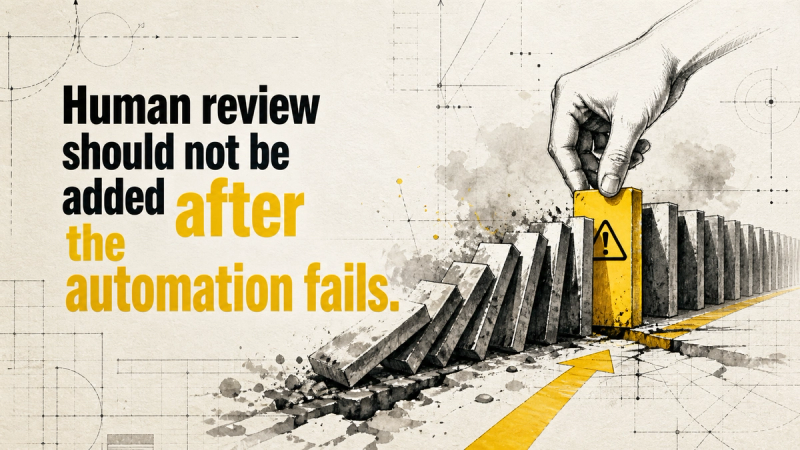
Human-in-the-Loop Automation: How to Design Oversight Before You Go Live
Human oversight works only when it is designed before launch. Here is how to choose an oversight model, set approval triggers, build escalation, and avoid rubber-stamping.
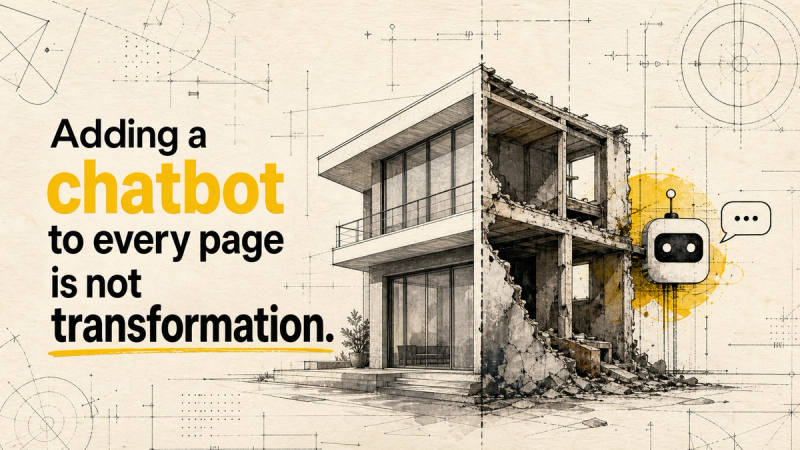
AI Strategy vs AI Features: Why Real-World Outcomes Should Come First
Most AI pilots stall because they start with a feature, not a business outcome. Here is how to build an outcome-first AI strategy, with use cases and a step-by-step plan.