
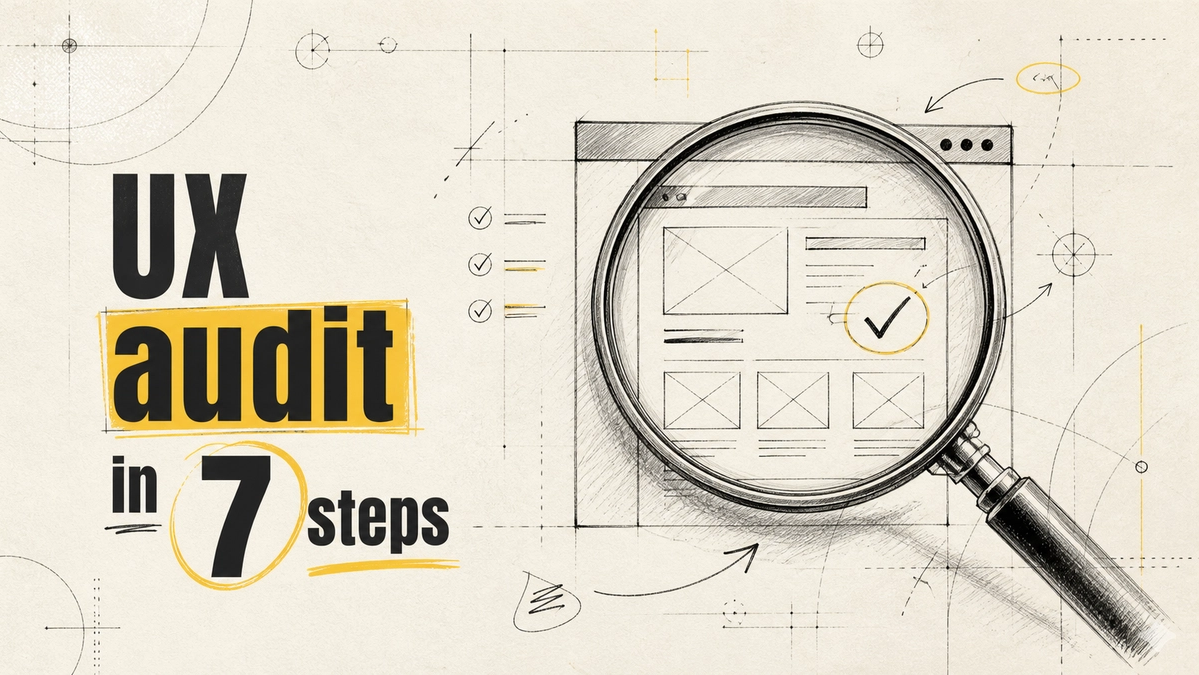
The Importance of a UX Audit Checklist Before Redesigning Your Product
The Importance of a UX Audit Checklist Before Redesigning Your Product
Every redesign starts with big ambitions, but skipping a UX audit checklist is asking for trouble. Missed barriers, small annoyances, or poor navigation can derail even the best product screen review and turn excitement into frustration. The truth: a thorough usability audit isn’t just a box to check—it’s a proven advantage for any redesign strategy. By focusing on user experience improvement before you rewrite a single line of code or update a pixel, you’re setting your team up to find and fix what actually matters. There’s no shortcut if you want users to stick around.
Understanding the Importance of a UX Audit Checklist
Defining a UX audit checklist
A UX audit checklist is a structured set of tasks and tests that help designers spot problems on a product screen before making major changes. It’s more than a casual walkthrough—it includes usability testing, UX heuristic evaluation, and clear criteria for evaluating both look and functionality. 94% of first impressions are design-related, making an early audit non-negotiable for anyone who wants audiences to care at all [1].
How UX audits inform redesign decisions
Redesigning with gut instincts or trend-chasing leads nowhere. The UX audit checklist points directly to the bottlenecks and friction that users experience. Instead of guessing, you get data and actionable feedback, ensuring every redesign decision addresses real user pain. The audit turns what could be a mess of subjective choices into a focused, effective redesign strategy that stands up to scrutiny.
Key Areas of Focus During a UX Audit
First impressions and their impact
Users judge your product within milliseconds. If your interface confuses or overloads them, you’ve lost them before they begin. With almost all first impressions tied to design [1], a UX audit must scrutinize how visually engaging and intuitive the initial experience is. This review can fix overlooked missteps that sabotage engagement before users even try your core features.
Effective navigation for users
Navigation is where most users quit—if they get stuck, they vanish. A strong UX audit checklist zeroes in on the clarity and logic of movement between screens. Studies show that better navigation leads to a 50% increase in user engagement [2]. Prioritizing navigation in audits uncovers dead ends and rabbit holes that frustrate even loyal users, setting up your redesign for real impact.
Countering the Argument Against UX Audits
Some believe audits slow down the design process
Skeptics claim that UX audits drag out projects and kill creative flow. There’s a belief that too much pre-planning limits designers, locking them into rigid checklists instead of letting them think outside the box. This argument warns that the process focus of usability audits might replace leaps of innovation with bureaucratic hurdles, causing delays and frustration for passionate teams.
Why thorough audits save time and costs in the long run
The hard truth is that skipping the audit leads to heavier costs later. Businesses that take UX audits seriously save 25% in post-launch fixes by catching problems early [3]. Time spent up front means you’re not scrambling to patch broken flows after launch. True creativity doesn’t come from ignoring problems—it thrives when you work from strong, user-tested foundations that free you to solve real needs.
Step-by-Step Guide to Conducting a UX Audit
Conducting a comprehensive product screen review
A strong UX audit checklist starts with a detailed product screen review. This means looking at every page, task, and interaction. Include usability testing and UX heuristic evaluation as standard, so subjective hunches don’t cloud the evidence [4]. You gather user feedback, analyze flows, and document not just what’s broken but what’s frustrating, confusing, or slow—before redesigning anything.
Implementing findings for maximum impact
An audit is only as good as what you do with it. Airbnb didn’t just spot problems—they used their audit’s findings to overhaul user flows and raised their conversion rates by 25% [5]. Applying UX audit results means prioritizing genuine user pain points in your redesign strategy, so changes aren’t cosmetic but targeted and transformative.
Frequently Asked Questions
What are the key elements of a UX audit checklist?
Key elements include a clear review of all product screens, UX heuristic evaluation, detailed usability testing, and real user feedback. This structured approach exposes both major and minor barriers to a smooth user experience so that every redesign targets meaningful problems, not just surface-level issues.
How can first impressions affect user experience?
First impressions set the tone for the entire user journey. Poor visuals or confusing layouts can drive users away before they even try your product. An effective UX audit focuses on making the first interaction smooth and welcoming, improving your chances of user retention from the very start.
Why do some designers oppose UX audits?
Some designers view UX audits as rigid, slow, or stifling to creativity. They worry the process becomes another checklist rather than a launch pad for original ideas. Yet, these audits provide essential structure for finding the real barriers holding back bold design solutions.
What steps are involved in a comprehensive UX audit?
A comprehensive audit includes usability testing, UX heuristic evaluation, a product screen review, and the collection of user feedback. Each step aims to catch issues early so that redesign decisions address specific user frustrations. This process improves both the end product and your redesign strategy.
Better redesigns begin with fearless honesty about what’s broken or confusing for users. Expect your redesign plans to move faster and smarter when you start with a disciplined UX audit checklist. Teams that make usability audits routine can look forward to fewer surprises, fewer regrets, and far better results in every launch ahead.
References
Nielsen Norman Group — Usability 101: Introduction to Usability
Design Council — The Value of Design Factfinder
HubSpot — How to conduct a UX audit: Steps, tips, & best practices
Comments
Be the first to comment.
Related reads
Prepare Your Next.js Site for AI Agents with WebMCP
AI agents will soon interact with your website like humans. Is your site ready? Learn how WebMCP can prepare your Next.js application for this future.
Why Google Can Crawl Your React Site But Not See the Content
Understanding that Google may crawl your React app does not guarantee it sees your content. Learn how to optimize your React website for better SEO and visibility.

