
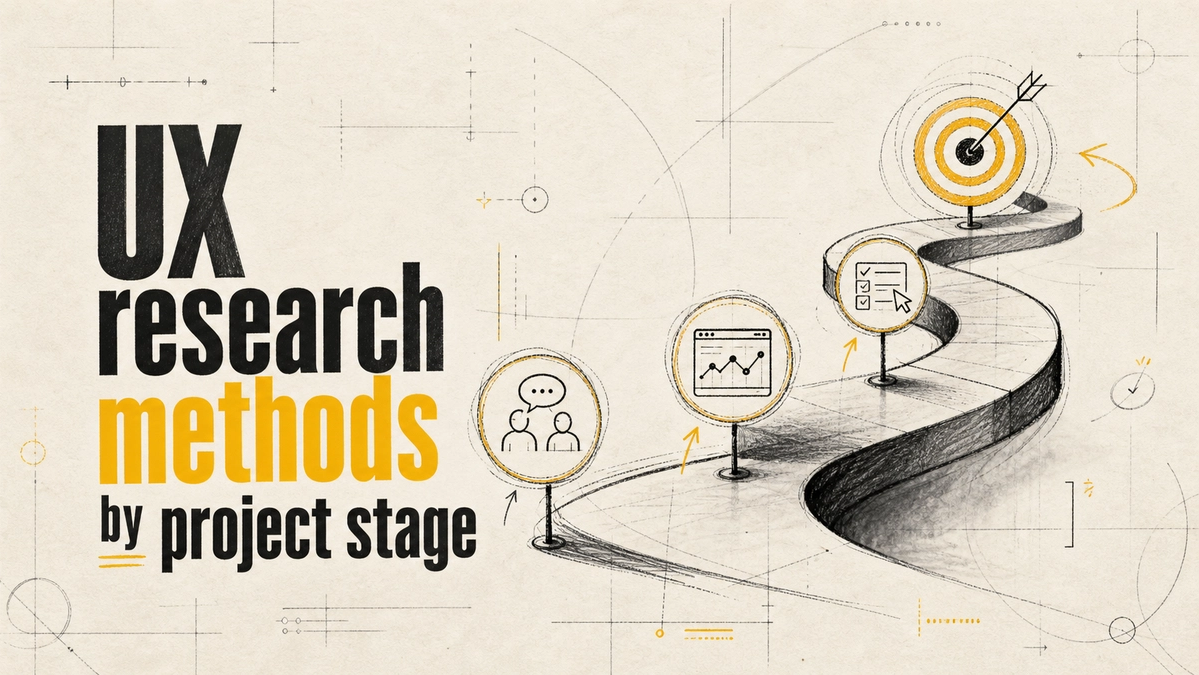
Which UX Research Methods to Use at Each Project Stage
The right UX research method depends on the question your project needs answered right now. Early on, you need to understand the problem, so use interviews and field research. While designing, you need to know whether your solution works, so use usability tests on prototypes. After launch, you need to know how well it performs at scale, so use analytics, surveys, and A/B tests.
That doesn't mean one method per stage. Nielsen Norman Group notes that while no project can use every method, nearly all projects benefit from combining several and their insights [1]. The skill is choosing a primary method for the current question and adding cheap supporting methods around it.
The Three Stages of UX Research
Nielsen Norman Group maps research methods to phases of product development and distinguishes generative, formative, and summative research [1]. In plain terms:
- Generative (discovery): What problem should we solve, and for whom?
- Formative (design and build): Is our solution understandable and usable, and how do we improve it?
- Summative (launch and beyond): How well does the live product perform, and is it getting better?
UX Research Methods by Project Stage
| Stage | Key question | Primary methods | Supporting methods |
|---|---|---|---|
| Discovery | What do users need, and why? | User interviews, field studies | Diary studies, support-ticket review, competitor review |
| Design | Does this concept make sense? | Usability tests on prototypes | Card sorting, tree testing, first-click tests |
| Build | Can people complete key tasks? | Iterative usability tests | Accessibility checks, expert reviews |
| Launch and beyond | How is it performing at scale? | Analytics, A/B tests | Surveys, benchmark usability studies, feedback widgets |
Discovery: Use Interviews to Understand the Problem
At the start, the biggest risk is building the wrong thing. User interviews reveal goals, frustrations, and the context people work in, which analytics can't show. Ask about past behaviour ("Tell me about the last time you booked a service online") rather than hypothetical wishes ("Would you use this feature?"), because people are poor at predicting what they'll do.
Supporting methods here are often free: read support tickets, sales call notes, and reviews of competitor products. They help you choose better interview questions.
Design and Build: Use Usability Tests to Find Friction
Once there is something to look at, even a clickable sketch, usability testing becomes the main tool. Give participants a realistic task, watch where they hesitate or fail, and fix those points before writing more code.
You don't need big studies. NN/g's long-standing guidance is that for qualitative usability testing, the best results come from testing with around five users and running as many small rounds as you can afford [2]. Five users per round, three rounds as the design improves, will usually teach you more than one study with fifteen people.
Card sorting and tree testing are useful supporting methods when the question is about navigation and labels rather than task flow.
Launch and Beyond: Use Analytics to Measure at Scale
After launch, analytics show what thousands of users actually do: where they drop off, which features they use, and how changes affect conversion. A/B tests let you compare versions with real traffic, and surveys add the "why" behind the numbers.
Analytics tell you where a problem is, not why it happens. When a funnel step drops sharply, follow up with a few usability sessions on that step. This is where combining methods pays off most.
How to Choose When You're Unsure
- Write down the decision you need to make, such as "Should the booking form be one page or three?"
- Ask whether you need to understand why, or measure how many. "Why" points to qualitative methods; "how many" points to quantitative ones.
- Check what exists. Do you have a prototype, a live product, or neither? That limits your options.
- Pick the cheapest method that can answer the question, then add a supporting method if the stakes are high.
- Plan how the results will change the design. If no result would change your decision, skip the research.
Common Mistakes in UX Research
- Asking users to design the solution. Users are experts in their problems, not in your interface.
- Testing only at the end. Late usability tests find problems that are expensive to fix.
- Treating analytics as answers. Numbers show patterns; they rarely explain them.
- Recruiting the wrong people. Colleagues and friends are not your users.
- Researching without a decision in mind. Research that changes nothing is a cost, not an investment.
Frequently Asked Questions
What are the most common UX research methods?
User interviews, usability testing, surveys, analytics, A/B testing, card sorting, and field studies. NN/g maps around twenty methods across behavioural vs attitudinal and qualitative vs quantitative dimensions [1].
Should I combine UX research methods?
Usually, yes. Pick one primary method for the question at hand and add low-cost supporting methods, such as pairing analytics with a few usability sessions, to cover each method's blind spots [1].
How many users do I need for usability testing?
For qualitative usability testing, around five users per round is NN/g's long-standing recommendation, run as several small rounds rather than one large study [2]. Quantitative benchmarking needs far more participants.
When should UX research start?
Before design begins. Discovery research is the cheapest way to avoid building the wrong thing, and it shapes every later decision.
Good UX research is not about doing more studies; it's about asking the right question at each stage and choosing the method that answers it. If you want help planning research for your product or website, Website Vikreta's UI/UX design team can set it up with you.
References
- Nielsen Norman Group — When to Use Which User-Experience Research Methods
- Nielsen Norman Group — Why You Only Need to Test with 5 Users
Tags
Comments
Be the first to comment.
Related reads
Custom Software vs Off-the-Shelf: How to Choose the Right Option for Your Business
Off-the-shelf tools win on speed for standard processes; custom software wins when your process is your advantage. Here is how to decide, system by system.