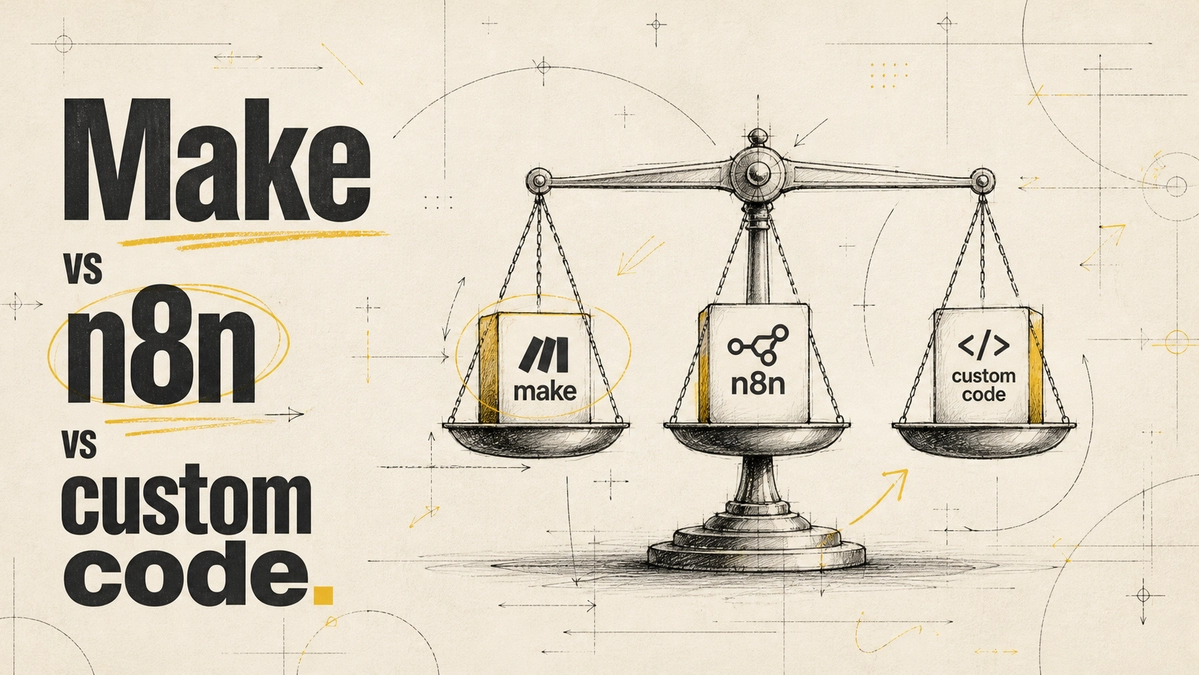
Choosing the Right Automation Tool: Make vs n8n vs Custom Code

Choosing the Right Automation Tool: Make vs n8n vs Custom Code
Picking your automation tools isn’t a technical detail—it’s a strategic decision. Too often, businesses get dazzled by features and forget who’s responsible for keeping things running after launch. Whether you’re building with Make, n8n, or custom code, the real choice centers on maintenance and team capability. The right automation stack isn’t just about what gets built, but who will sustain it—and how it matches your workflow tools comparison, from simplicity to self-hosting and data privacy. Make your choice count, or risk stumbling when you need stability most.
Understanding Your Automation Needs
Identifying workflow complexity
Clear-eyed assessment of your workflow’s complexity sets the tone for every automation decision. If your business process is mostly straightforward, visual automation tools will often cover everything you need. But if your workflows involve intricate logic or conditional branching, you’ll quickly hit the ceiling with basic platforms. Companies that misunderstand their workflow complexity end up overcomplicating their automation stack, wasting time and resources.
Assessing volume needs and data sensitivity
Volume and data privacy can’t be afterthoughts. Teams running thousands of automation triggers per month have different cost and compliance concerns than someone automating a handful of tasks. Increasingly strict regulations make data sensitivity a front-line issue. For processes handling customer or financial data, self-hosted solutions and GDPR compliance aren’t nice-to-haves—they’re business requirements. Data privacy isn’t just about technology; it’s about aligning automation choices with real-world risks [5].
Evaluating automation tools: Make, n8n, and custom code
The advantages of Make for simple workflows
Make stands out for straightforward workflow automation. Its drag-and-drop interface lets teams quickly map out processes visually, which is invaluable for less technical users. The result? More people in your organization can participate in creating and maintaining the automation stack, not just developers. This simplicity leads to fewer errors and quicker onboarding [1]. Visual workflow tools like Make have even been shown to boost productivity by up to 25% [3].
The benefits of n8n for control and self-hosting
n8n is the answer for teams prioritizing control, data privacy, and cost management. Unlike most SaaS automation tools, n8n supports self-hosting, so sensitive data never leaves your chosen infrastructure. This appeals strongly to organizations facing compliance or regulatory scrutiny. Over time, especially at scale, hosting your own automation reduces long-term costs and gives you ownership of the full workflow tools comparison from integration depth to security settings [2,5].
Addressing the Counterargument: Custom Code vs Automation Tools
Why some prefer custom code for complex logic
There's a loud camp arguing that only custom code can handle truly complex automation needs. It’s true that custom scripts let you orchestrate intricate, one-of-a-kind logic—deploying tools and libraries without platform limits. This flexibility can solve very specific problems that out-of-the-box workflow tools simply can’t, and gives technical teams complete control over the automation stack [4].
How Make and n8n hold up against complex needs
But for most businesses, Make and n8n solve 90% or more of practical workflow challenges. Their growing feature sets and wide integration support cover everything but the rarest edge cases. And crucially, they lower the barrier for maintenance and collaboration, allowing non-developers to understand and adapt automations. Building your entire automation stack in code gives you power—but also hands you a long-term maintenance burden few teams can bear. Visual and semi-technical tools deliver more value for more organizations, without relentless developer resources [1,2,3].
Implementation and Maintenance Considerations
Who will maintain your automation stack?
Plans fall apart if you ignore post-launch upkeep. A solution that works today might become a problem tomorrow if only one developer understands the code. When assessing make vs n8n vs custom code, remember that maintenance often shifts from the builder to someone else over time. Pick a tool that your future team can realistically support without bottlenecks.
Aligning team capabilities with the chosen tool
The best workflow tools comparison is only as good as your team’s ability to run it. If few on your team can write or audit custom code, then choosing code invites future slowdowns. Make enables broader participation through visual workflows, while n8n caters to teams comfortable with deeper configuration and self-hosting. The strongest automation stack emerges when your tool fits your team as tightly as it fits your process [1,2].
Frequently Asked Questions
What are the key differences between Make and n8n?
Make emphasizes visual workflow building and accessibility for non-technical teams, making automation approachable and easy to maintain. n8n, in contrast, is favored by teams seeking more control, customization, and self-hosting options. n8n offers better data privacy, while Make provides a simpler user experience and quick setup [1,2].
How can custom code improve automation?
Custom code gives you unmatched flexibility. If your automation requires advanced logic, specialized integrations, or must meet unique business rules, writing your own scripts or applications often delivers that. However, this approach requires dedicated technical resources to manage updates, debug, and scale operations over time [4].
What factors should I consider when choosing an automation tool?
Consider workflow complexity, data privacy requirements, scale of automation, compliance needs, and your team’s technical strengths. Think about who will maintain the automation stack, how quickly you need to iterate, and whether visual tools or full programmability best suit your team. Weighing these determines the right fit for stability and growth [1,2,5].
Why is team capability important in selecting an automation stack?
Team capability shapes whether automations thrive long-term or break down with turnover. If only one person understands the solution, maintenance, troubleshooting, and updates become risky. Workflow tools like Make lower the technical barrier, allowing more team members to contribute and manage automations independently [1,3].
The future of automation won’t be won by the most complex tool, but by the one teams can actually sustain. As regulations tighten and workflows evolve, expect organizations to double down on solutions that match business needs with maintainable technology. The smart move is choosing an automation stack where flexibility, privacy, and capability are in balance—future-proofing not just your tech but your team's productivity.
References
n8n Docs — Explore n8n Docs: Your Resource for Workflow Automation and Integrations
Automation Anywhere — Automation Now & Next: August 2023, 4th Edition
Harvard Business Review — When Low-Code/No-Code Development Works — and When It Doesn’t
McKinsey & Company — How financial institutions can improve their governance of gen AI
Comments
Be the first to comment.
Related reads

Unlocking the Value of AI Automation ROI in Workflow Transformation
Discover how transforming a 20-hour weekly workflow into just one hour demonstrates the powerful ROI of AI automation. Learn about the essential human oversight required.

Protecting Your Systems: Why AI Agent API Security is Non-Negotiable
AI agents with broad API access pose significant security risks. Learn why restricting access and implementing strong approval processes are crucial for your organization's safety.